

You have ten minutes left and one classroom screen. You want learners to use new vocabulary in sentences. The useful question is not how many apps you can open, but who will speak and how you will notice understanding. A whole-class review and a reading routine between lessons need different tools.
Baamboozle, Wordwall, Kahoot!, Wayground and MetaLibrary serve different purposes. They are not five interchangeable free games. Choose one task, check it on your school’s equipment and then introduce it to the class.
Start with the language outcome
Finish this sentence: “After this activity, a learner can independently…”. Perhaps they can describe an animal, understand a short message or choose a book they want to read. Then check the practical conditions: one screen or learner devices, internet access, school rules about accounts and time needed to join.
If access takes longer to organise than the language task, simplify. Paper and pairwork are valid alternatives. The platform should support the task rather than become the task.
Baamboozle: a shared-screen review
Baamboozle supports play from one screen without individual learner devices. It suits a team review when you want to keep attention on the classroom. A teacher account is needed to create your own resources.
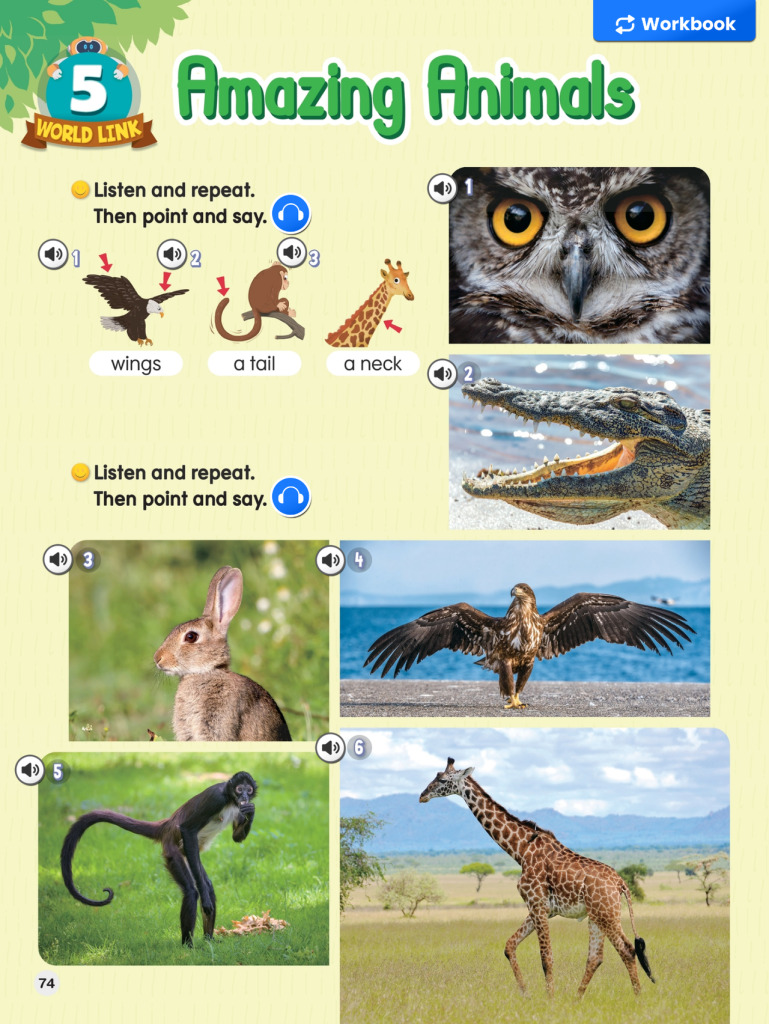
After an animals topic, display a prompt and say, “Describe it. Don’t say its name”. Give every learner time to prepare a clue with a partner before a team answers. Change the spokesperson each round. Otherwise, a lively game can become extra practice for only the two quickest speakers.
Basic and Baamboozle+ have different features. Basic is described as free forever; Plus adds functionality. The provider says it does not offer a Plus trial. Game of the Day is a separate opportunity with many features unlocked, so it is not a reliable guide to what every Basic game includes.
Wordwall: reuse content, change the action
Wordwall is useful when you want to work with the same language through different templates. Learners might first match animals to descriptions, then choose an animal and ask a partner their own question. You can lead a suitable activity on a shared screen or assign it for individual work.
The Basic plan allows up to three created activities and twelve templates. This is a creation limit, not a statement that a class can play only three times. Printing and PDF export belong to paid plans; do not build a no-cost lesson around those features.
Creating resources requires a teacher account. Sharing an activity link does not automatically mean that every learner needs an account. Check the particular assignment and settings you intend to use.
Kahoot!: discuss the answer, not just the score
Kahoot! can help identify a distinction that the class has not understood. For an animals question, “It has wings” and “It can fly” create a useful discussion: they do not always describe the same animals. After voting, ask learners to explain their choice and give an example. The language work should continue after the leaderboard.
The host needs an account. Participants usually join through a PIN, link or QR code without an account, although host settings may require identification. The version suggested here needs participant devices with internet access.
Participant limits depend on the account type and plan. The provider’s guidance lists up to 40 for Go accounts for K–12 teachers, but up to 10 for personal and higher education accounts. An independent language school should not assume that the K–12 category applies to it. Check Account details, the actual participant limit and the question types available to your account before teaching.
Wayground: revisit language at an individual pace
Wayground is the current name of Quizizz. It supports live and asynchronous activities. After an animals lesson, assign a short review of descriptions, then bring one useful misconception back to the next class for discussion.
The Starter/Basic guidance lists up to 20 stored resources. The plans overview lists up to 100 participants, while features, including AI and accommodations, may vary by region. A library limit of twenty resources is not a limit of twenty teaching sessions.
Learners need devices and internet access for the suggested activity. The current joining instructions begin with signing in or creating a student account. Do not organise a lesson around an old claim that Quizizz always works without sign-in. Check your school’s account and data rules first.
MetaLibrary: allow time for a book
MetaLibrary addresses a different need: organising reading. Learners work with suitable books during a mission period; teachers can use reports and talk about the reading. That is a longer learning cycle, not a fifth quiz to squeeze into the final ten minutes.
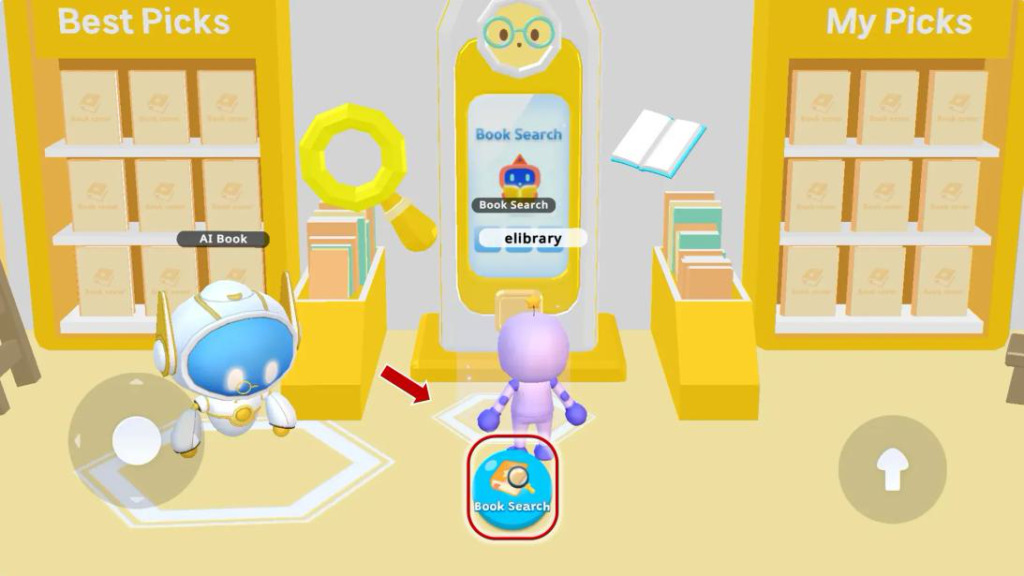
After an animals topic, look for an easy book connected with a learner’s interests, if a suitable title is in the allocated catalogue. At the next meeting, ask about an interesting fact or a character’s decision. Do not assume that all five platforms provide the same ready-made text.
The offer describes computer, tablet or phone access, with individual learner accounts and teacher access organised by the school. It is a group subscription for a minimum of ten learners, not a permanently free library. You can enquire about the terms of a teacher trial. Activities vary by title, and character conversations are text-based rather than voice conversations.
Before you share the link
Read every community activity, including the answers. Check advertising, displayed participant names, requested information and compatibility with school policy. Decide how a learner without a device or home access will take part. Plan limits can change, so check them again before use and in the relevant country.
For the first week, choose one tool and one sign of language use: an original description, an explained answer or a short book conversation. If the real need is practice with a familiar course, consider the eFuture apps. Another platform account is not always necessary.