
eSmartClass - Learning Management System for English Teachers
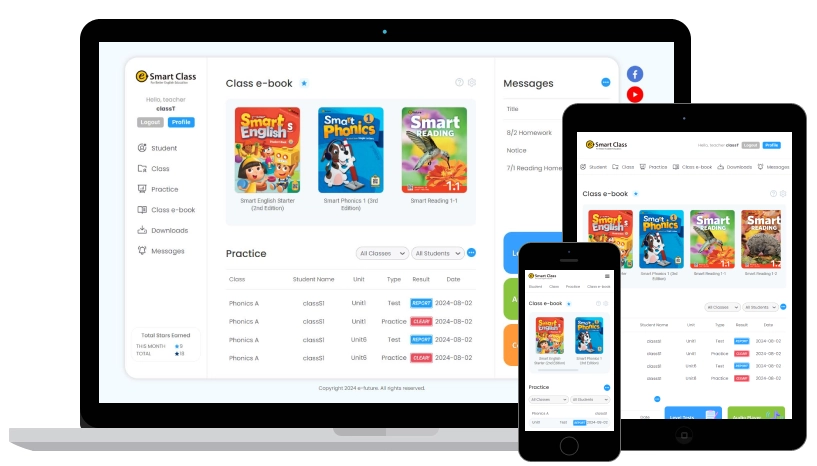
eSmartClass for teachers who use e-future coursebooks
eSmartClass is a learning management system with class e-books, downloadable teaching resources and online practice for e-future coursebooks. Use it on a computer, tablet or phone.

Multimedia class e-books

Simple LMS Design
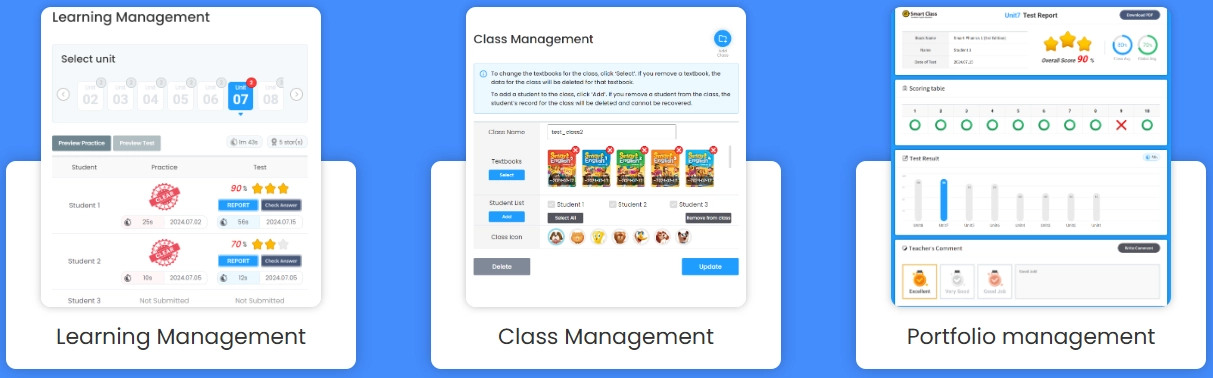
Manage students' practice, tests and portfolios, and see total learning time and the time spent on each unit.
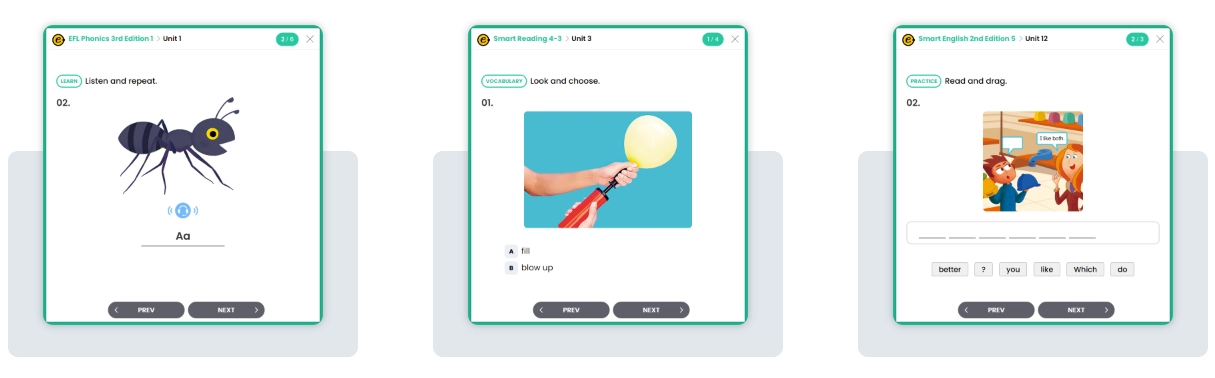
Extra online practice
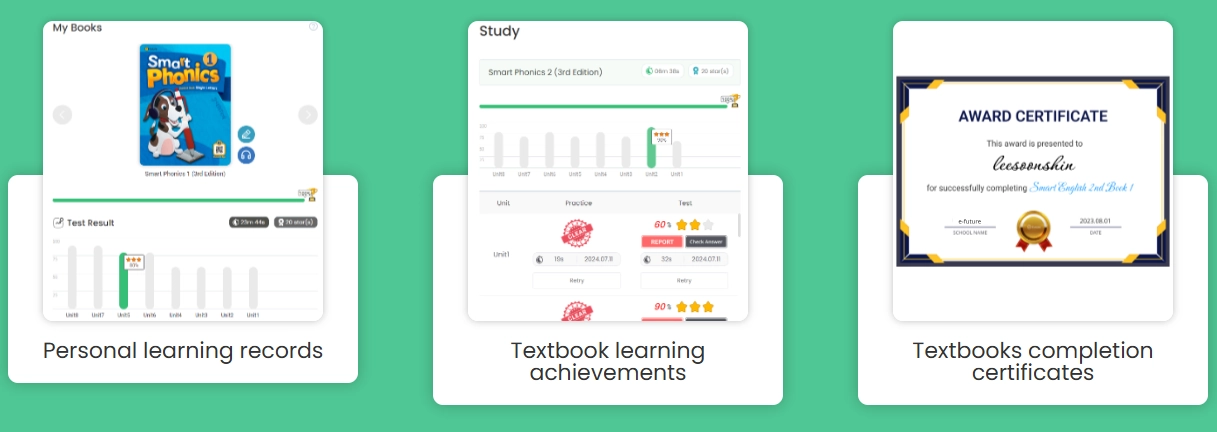
Track progress and achievements in each textbook
See progress at a glance.
Students receive a certificate of completion after finishing a book.
Supported books
eSmartClass has interactive versions of all e-future coursebooks, with downloadable resources for teachers.
For all coursebooks except the preschool course Little Hands, and for the grammar series My First Grammar and My Next Grammar, you can also set up student accounts with online exercises. Student accounts are designed for learners from about age 6. In eSmartClass you see which exercises each student has completed.
No personal data is needed to set up student accounts: a first name and an initial are enough. All services are available to registered members only.
AI Reading Fluency Builder
AI Reading Fluency Builder is online practice in eSmartClass for English Wave, Hand in Hand 2nd Edition and e-future Discovery. The teacher sets up access for the class. Students listen to a text, then read it aloud, and speech recognition checks every word. Reading practice has three steps: paragraph practice, shadowing and a final assessment that shows accuracy and reading speed in words per minute. With Hand in Hand 2nd Edition, students practise dialogues by reading a character's lines. Teachers see the results in eSmartClass.
Watch on YouTube: AI Fluency Practice Tutorial - Part 1 (dialogue practice) · AI Fluency Practice Tutorial - Part 2 (reading practice)

How to Use
Easy-to-use process
Check the manual to learn more.
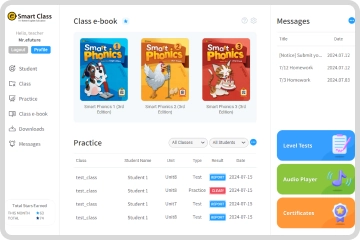
LMS - Teacher view - Main page
- When you log in with a teacher ID, you go to "My page".
- You can access your favorited e-books from "My e-book."
- You can check the practice and test results submitted by students.
- From here you can open the level test, the audio player and certificate issuing.
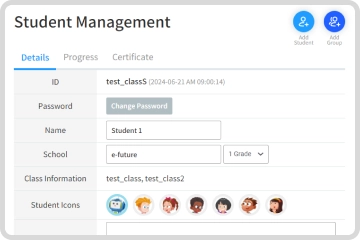
LMS - Teacher view - Student Management
- Click "Add Student" to register students to a class.
- "Add Group of Students" allows multiple students to be registered at the same time.
- You can modify student information and check their learning history and certificates earned.
- You can register a parent's account for your students.
* You must have a student registered in order to add them to a class.
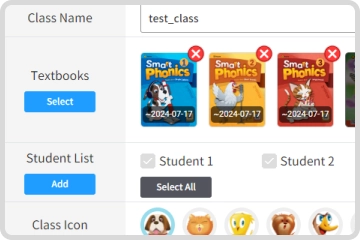
LMS - Teacher view - Class Management
- Click "Add class" to create a class.
- You can select multiple textbooks for one class.
- Practice and tests will open for students once you complete class registration.
- You can modify class information.
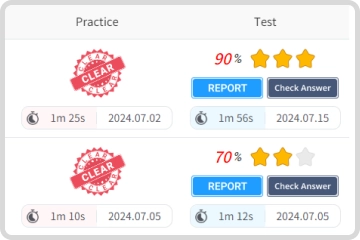
LMS - Teacher view - Practice
- Select class, textbook, and unit to see the practice list for that unit.
- You can check progress and portfolios for students who have completed the practice and tests.
- Students can review incorrect answers by clicking on the number of the question.
- Students can preview questions in advance.
* Portfolios are only provided for tests.
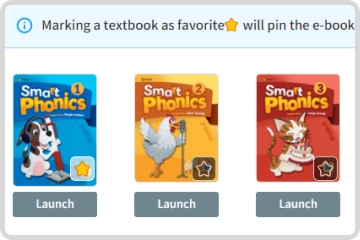
LMS - Teacher view - Class e-books
- Select the e-book for your coursebook.
- You can use the e-book by clicking the "Launch" button.
- You can access your favorited textbooks directly from My Page.
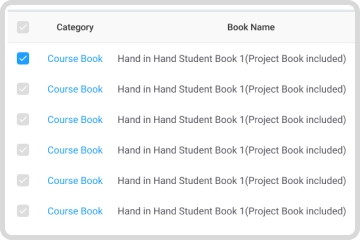
LMS - Teacher view - Downloads
- Additional materials are provided for use with each textbook.
- If you select Category / Series / Level you can see the specific supplemental materials for a textbook.
- Select the materials you need and download them all at once.
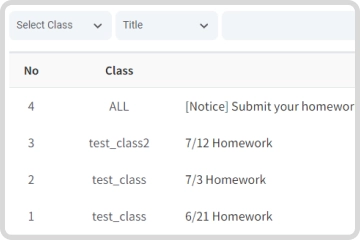
LMS - Teacher view - Messages
- Messages can also be found on student and parent pages.
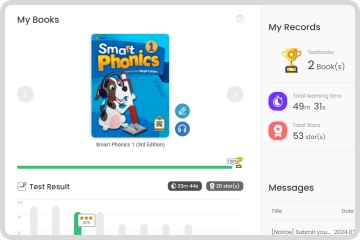
LMS - Student view - Main page
Give your students access to their books and workbooks, online practice and messages, so they can stay in touch with you. To help them get started, share the student guide below.
Recommended

Little Hands 1 Teacher’s Set

Little Hands 2 Teacher’s Set

Little Hands 3 Teacher’s Set

Hand in Hand 1 Teacher's Manual

Hand in Hand 2 Teacher's Manual

Hand in Hand 3 Teacher's Manual
Hand in Hand 4 Teacher's Manual

Hand in Hand 5 Teacher's Manual

Hand in Hand 6 Teacher's Manual

Let's Smile 1 Teacher's Manual
Let's Smile 2 Teacher's Manual

Let's Smile 3 Teacher's Manual
Let's Smile 4 Teacher's Manual
Let's Smile 5 Teacher's Manual

Let's Smile 6 Teacher's Manual

Speed Phonics 1 Teacher's Manual
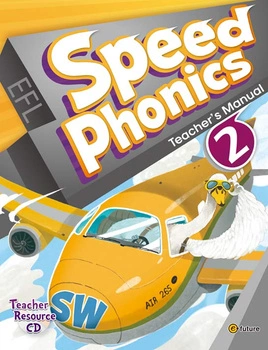
Speed Phonics 2 Teacher's Manual

Speed Phonics 3 Teacher's Manual

My First Grammar 1 Teacher's Manual
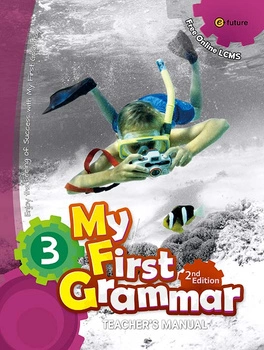
My First Grammar 3 Teacher's Manual

My Next Grammar 1 Teacher's Manual

My Next Grammar 2 Teacher's Manual

My Next Grammar 3 Teacher's Manual
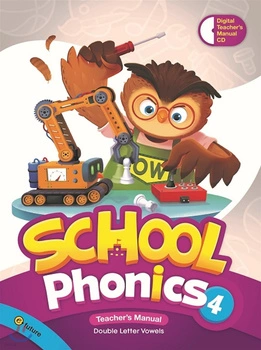
School Phonics 4 Teacher's Manual
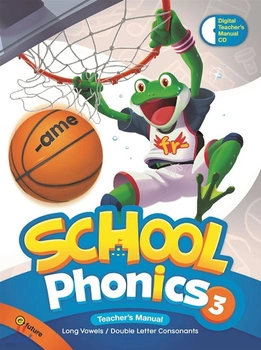
School Phonics 3 Teacher's Manual

School Phonics 2 Teacher's Manual

School Phonics 1 Teacher's Manual

Smart English 6 Teacher's Manual

Smart English 4 Teacher's Manual

Smart English 3 Teacher's Manual
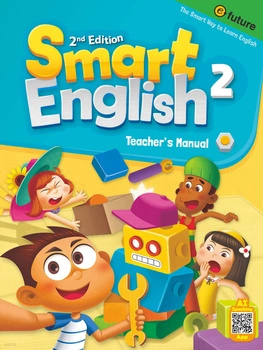
Smart English 2 Teacher's Manual

Smart English 1 Teacher's Manual

Smart Phonics 3 Teacher's Manual
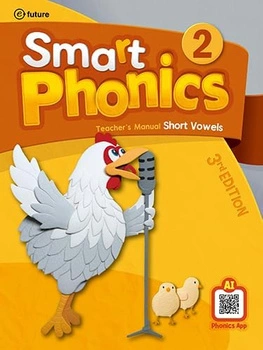
Smart Phonics 2 Teacher's Manual

Smart Phonics 1 Teacher's Manual
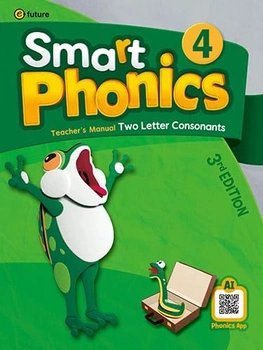
Smart Phonics 4 Teacher's Manual
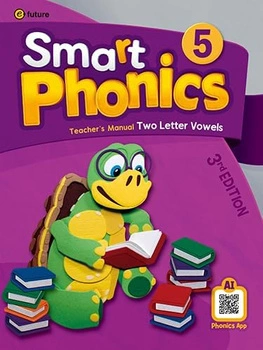
Smart Phonics 5 Teacher's Manual

Little Hands 2 Teacher's Manual

Little Hands 3 Teacher's Manual

Magic Speaking 1

Magic Speaking 2
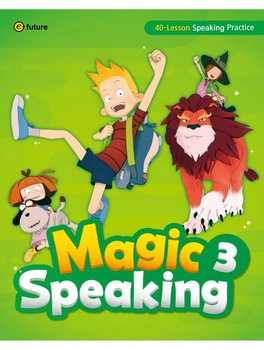
Magic Speaking 3

Hands on History 1 Ancient Civilizations

Hands on History 2 Middle Ages

Hands on History 3 Age of Discovery
